AI Cartoon Generator
Create cartoon images, multi-scene animations, animated video clips, reusable characters, and illustrated stories with our all-in-one AI cartoon generator.
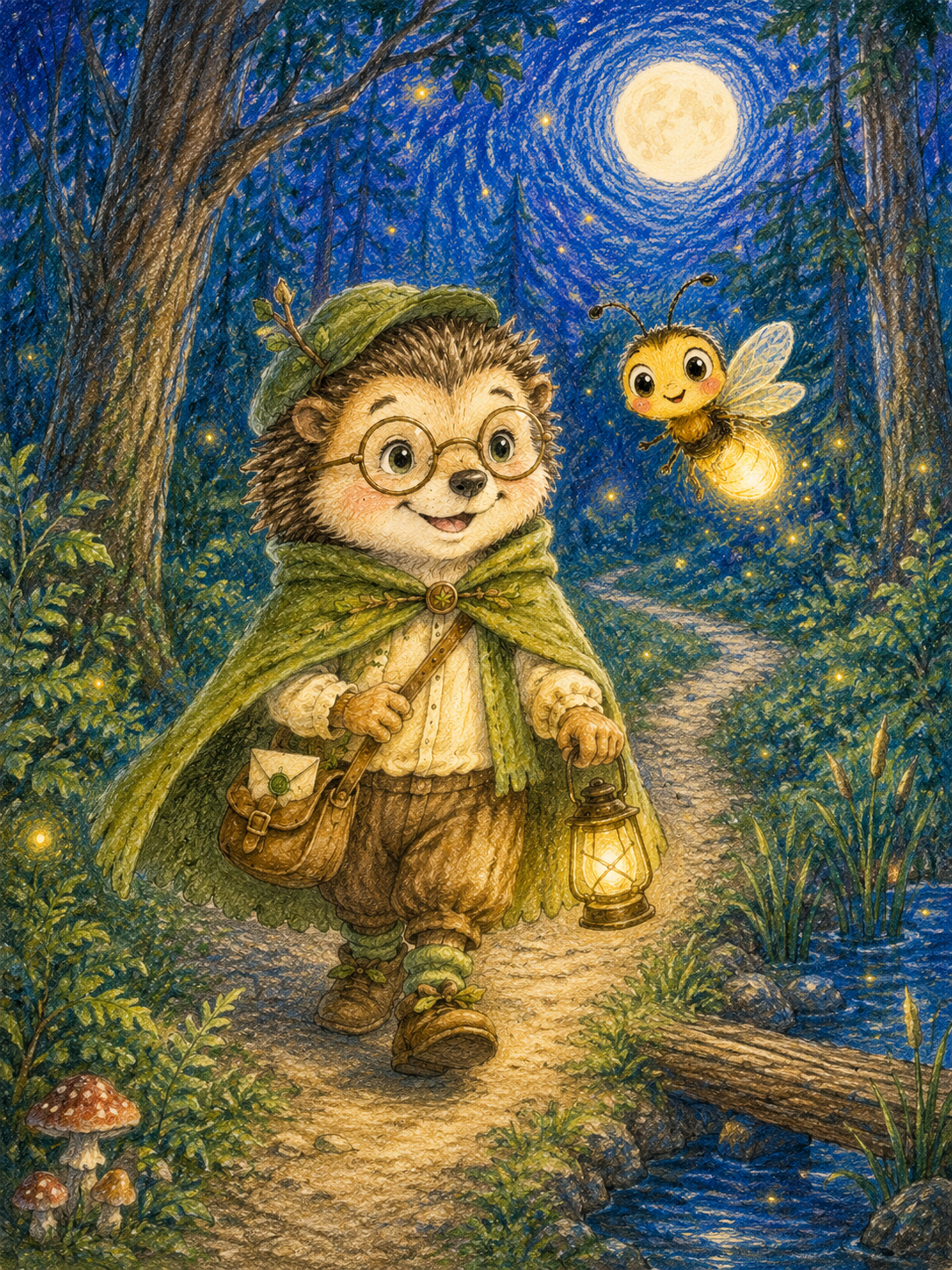
See What You Can Create
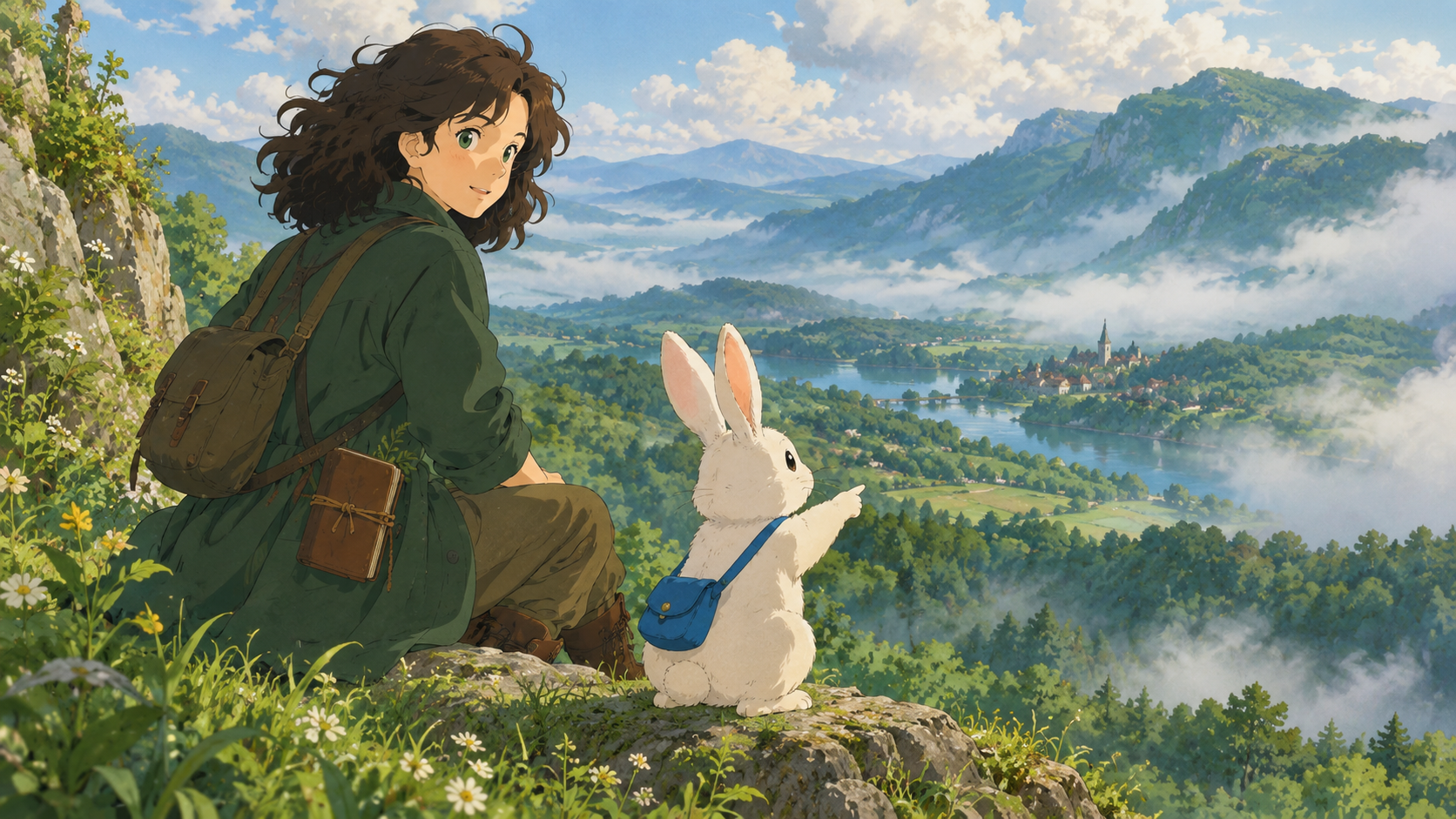
Explore real creations made with our versatile AI cartoon generator—from stylized cartoon images and reusable characters to animated clips, multi-scene animations, and narrated storybooks.
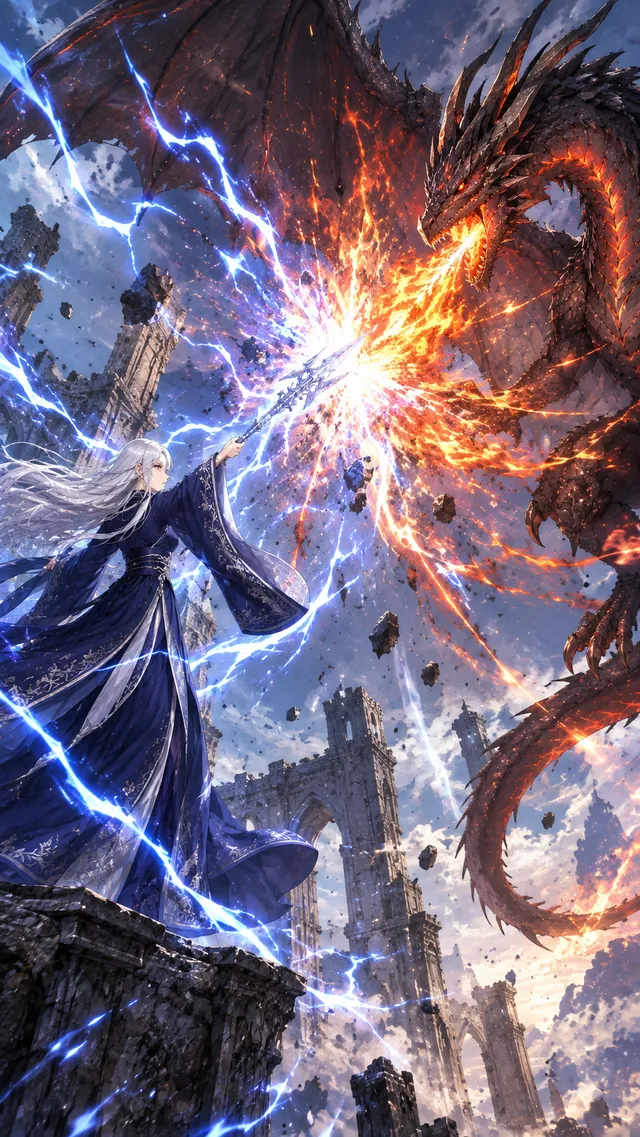
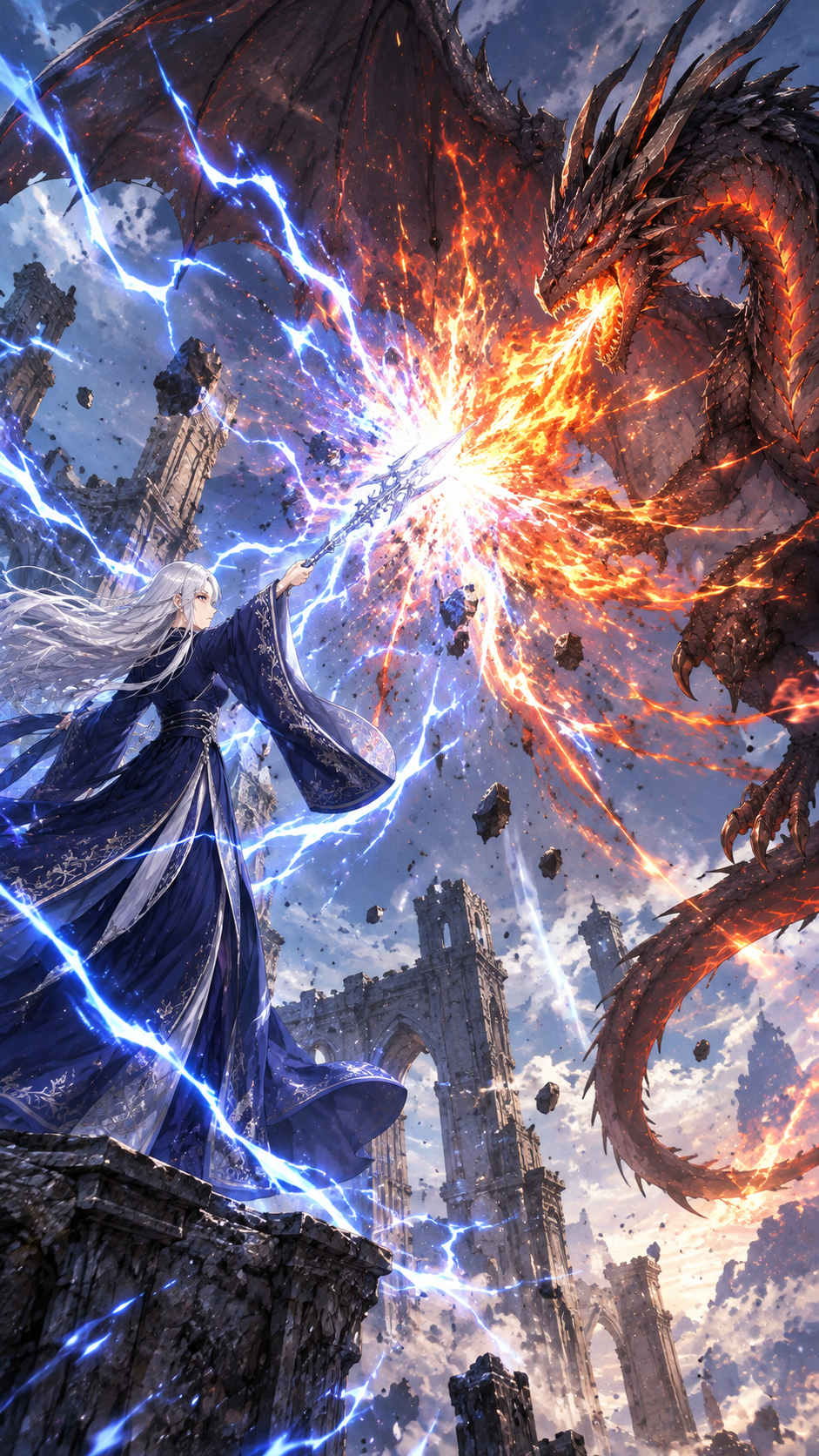
An original silver-haired sorceress in a midnight-blue battle cloak stands inside a ruined moonlit temple, facing a small stone dragon curled around an ancient pedestal. From 0 to 2.5 seconds, she raises one glowing hand and blue arcane energy spirals around the pedestal. From 2.5 to 5 seconds, cracks of golden light spread across the dragon as it awakens, unfurls its wings, and lifts its head. From 5 to 8 seconds, the dragon leaps onto her armored forearm while she turns toward the camera with a determined expression and the ruined arches flare with magical light. Dramatic low-angle dolly-in, bold readable action, one continuous shot, no cuts, no text, no logos, no dialogue.
An original young block-world explorer walks across a grassy canyon bridge at sunrise, carrying a cube-shaped lantern and a map while a friendly blocky fox trots beside them. The lantern swings gently, grass moves in the breeze, the fox looks toward the camera, and the explorer pauses at the center of the bridge to raise the map. Slow cinematic forward dolly, one continuous shot, stable readable motion, no cuts, no text, no logos, no dialogue.
An original skyport rescue engineer works beside a small propeller airship on a cliffside hangar platform above the clouds. From 0 to 2.5 seconds, she fits one bright blue modular engine piece into place with both hands. From 2.5 to 5 seconds, the propeller turns smoothly and a translucent signal beacon lights up. From 5 to 8 seconds, she steps back, raises one hand in a clear wave, and the airship gently rocks on its landing gear. Slow three-quarter camera push-in, stable readable motion, one continuous shot, no cuts, no text, no logos, no dialogue.
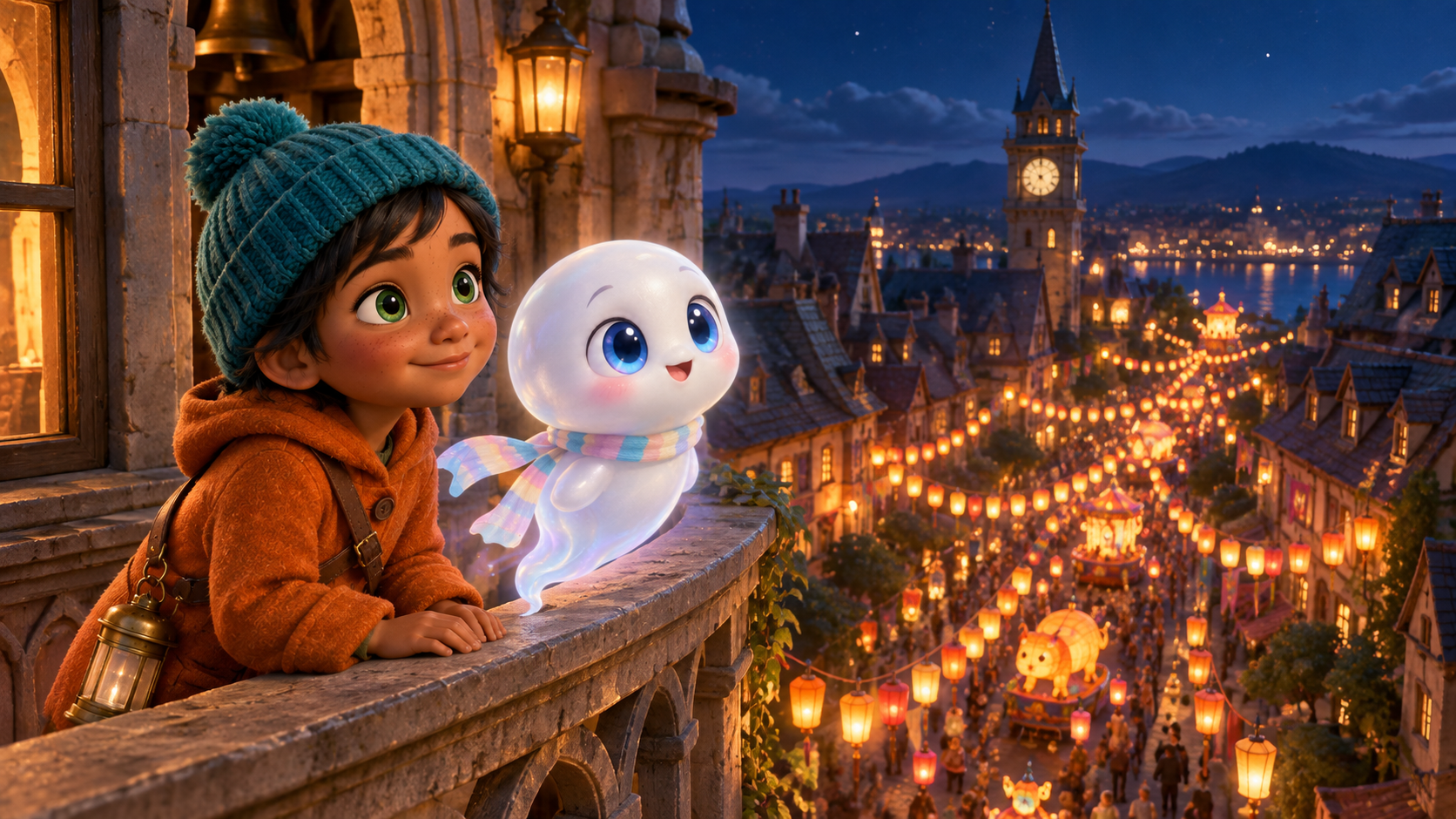
One Character, Four Formats
Use our AI cartoon generator to build a character once, then carry the same identity across finished images, dynamic motion video clips, narrated storybooks, and full multi-scene animations.
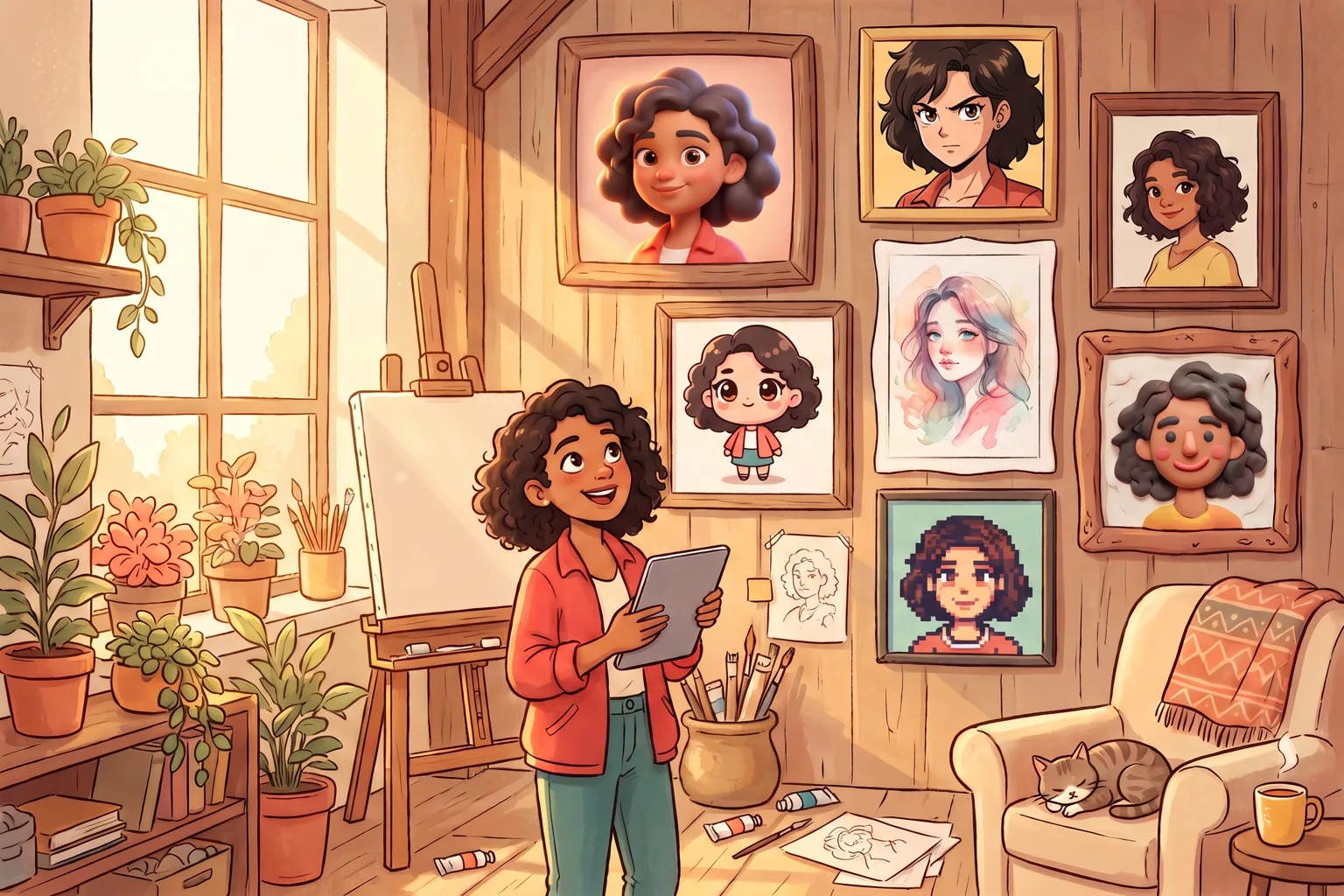
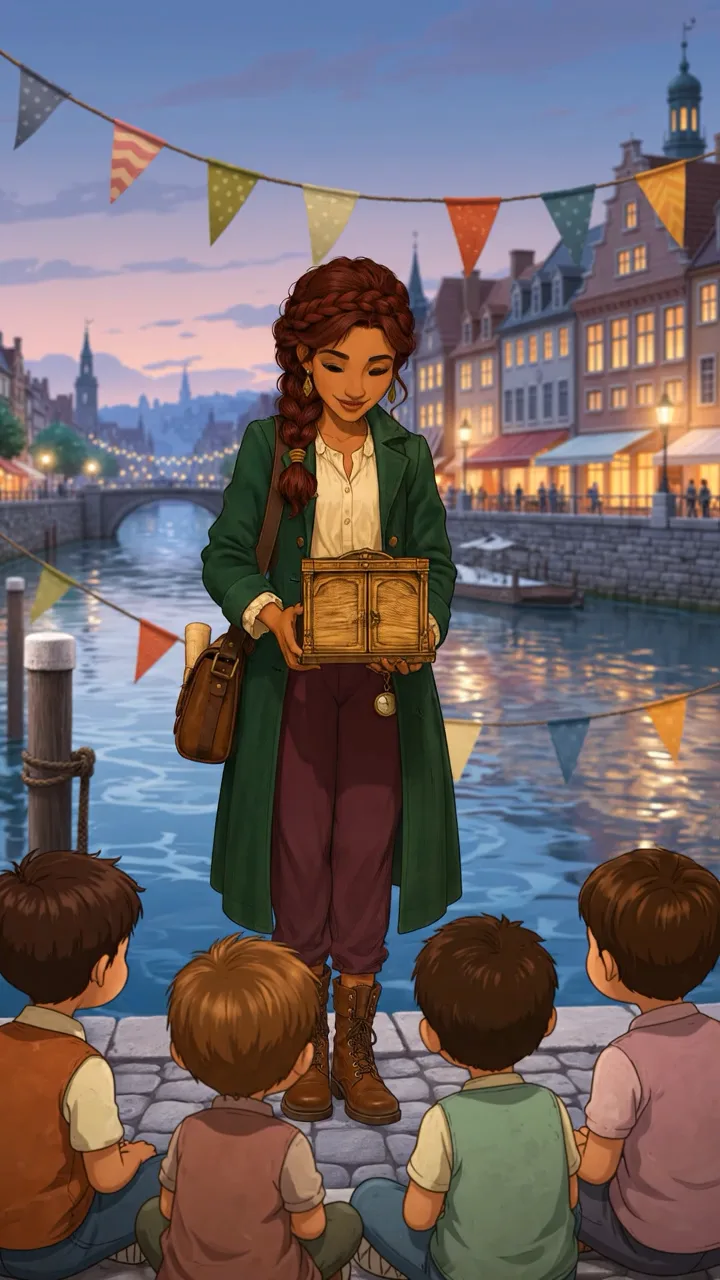
Lila Moreno
Consistent visual identity preserving facial features, styling, and outfit across all formats.
Image
Video
Animation
Storybook
What Is an AI Cartoon Generator?
An AI cartoon generator turns photos, references, saved characters, and written ideas into new cartoon media. In this studio, the same creative direction can continue beyond one image.
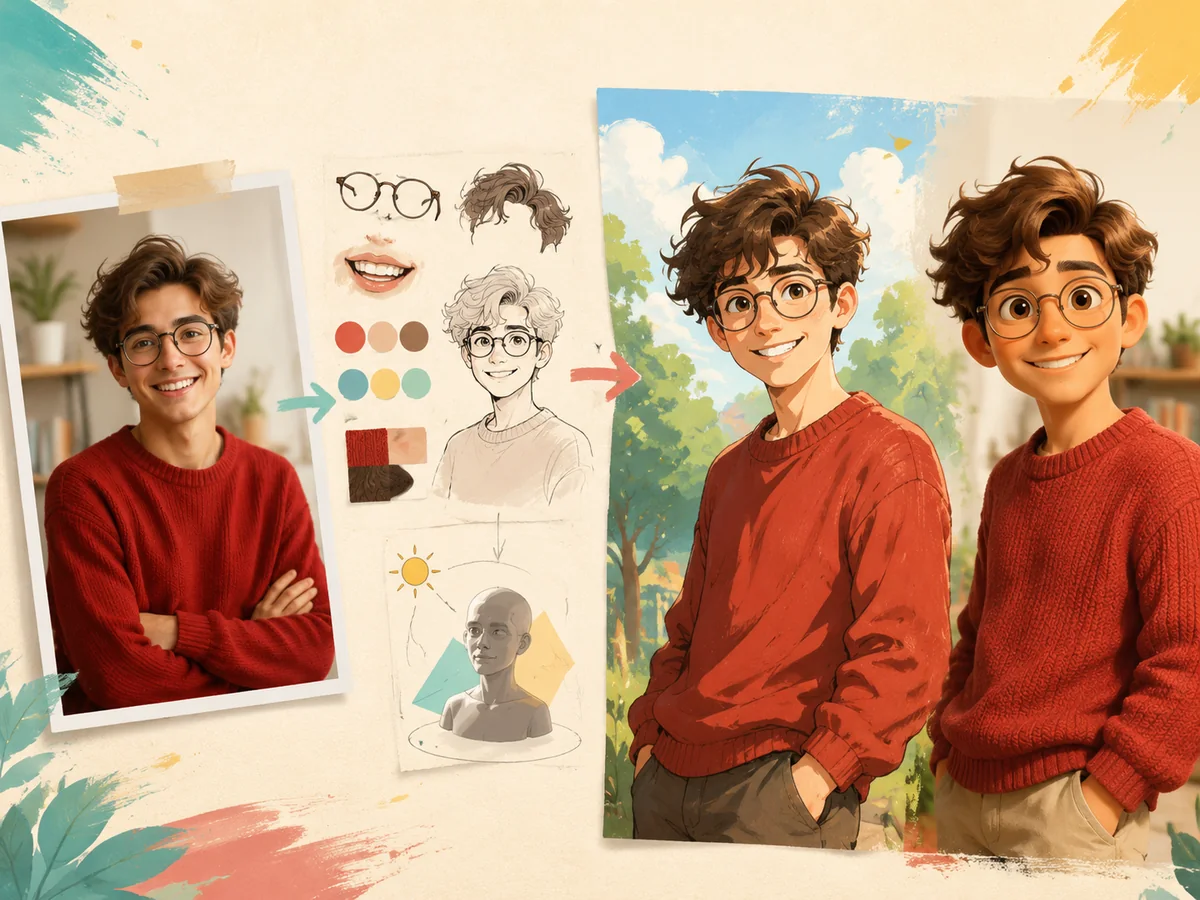
Start from the right source
In our AI cartoon generator, use a photo when likeness matters, a written prompt when the scene is new, or a saved character when continuity matters.
Set the visual direction
Choose a style and direct the subject, pose, setting, composition, lighting, and other details that shape the result.
Choose the finished format
Create a standalone image, save a reusable character, animate a scene, direct a multi-scene cartoon animation, or develop an illustrated storybook.
Choose the Right Cartoon Creation Format
Compare our 5 specialized creation workflows. From standalone art and consistent character sheets to dynamic motion clips, multi-scene story animations, and narrated storybooks—pick the ideal tool for your creative vision.
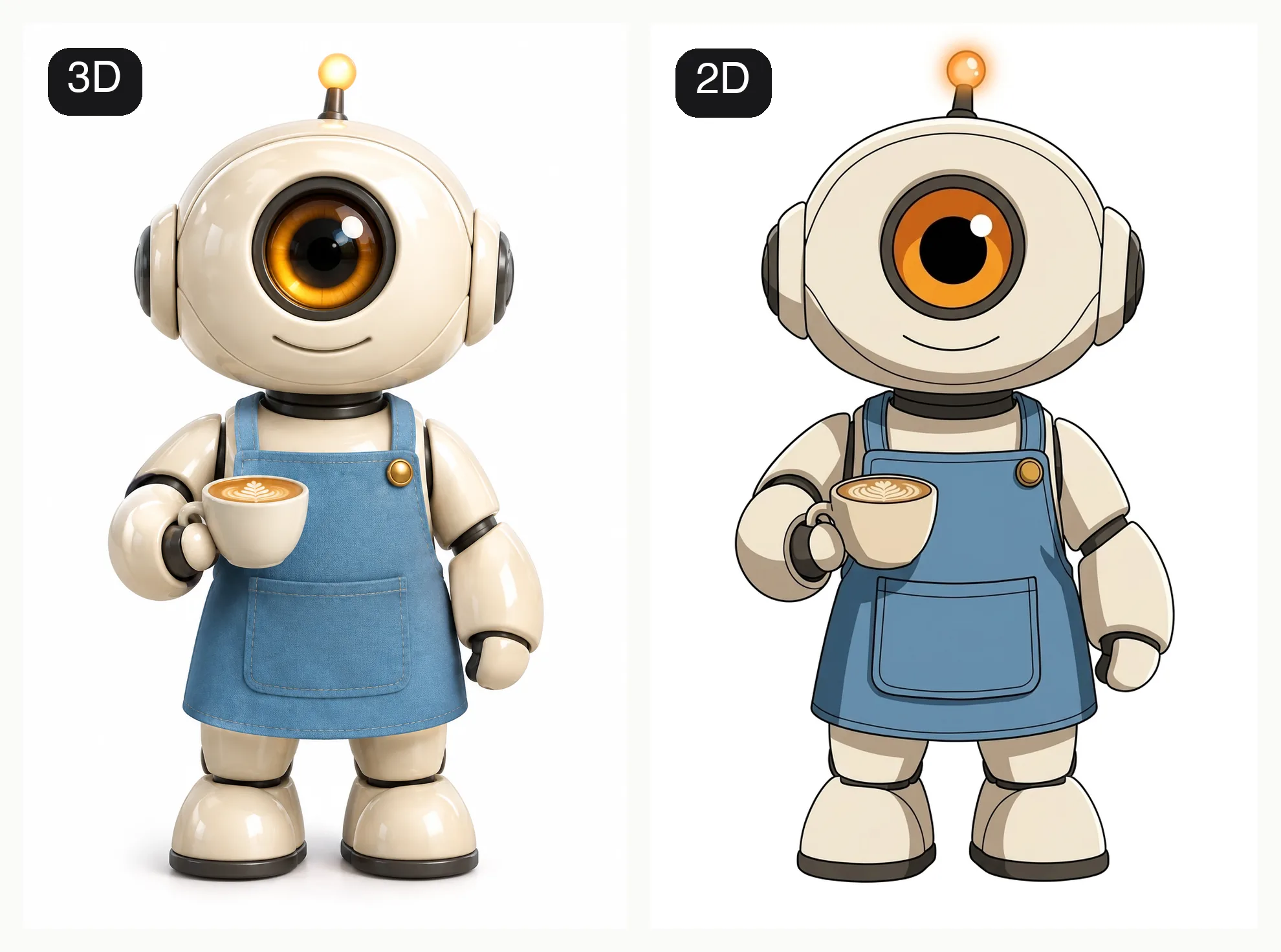
Cartoon Images
Turn photos or text into stylized cartoon art
Cartoon Characters
Design distinct cartoon character identities
Animated Videos
Animate still images with camera & action cues
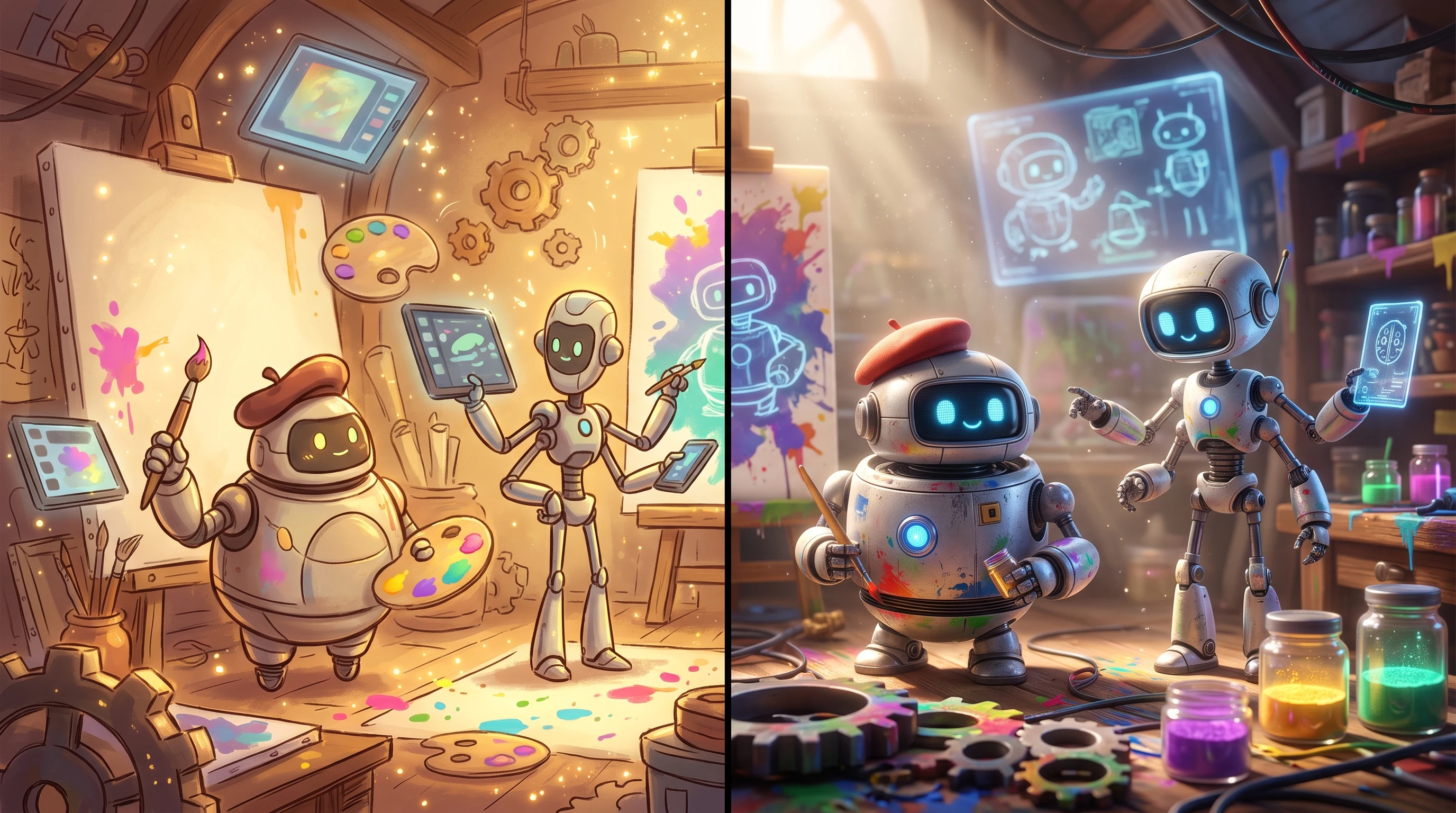
Cartoon Animations
Direct complete multi-scene animated cartoon stories
Narrated Storybooks
Develop written ideas into illustrated, narrated picture books
Featured Cartoon Tools
Explore All Tools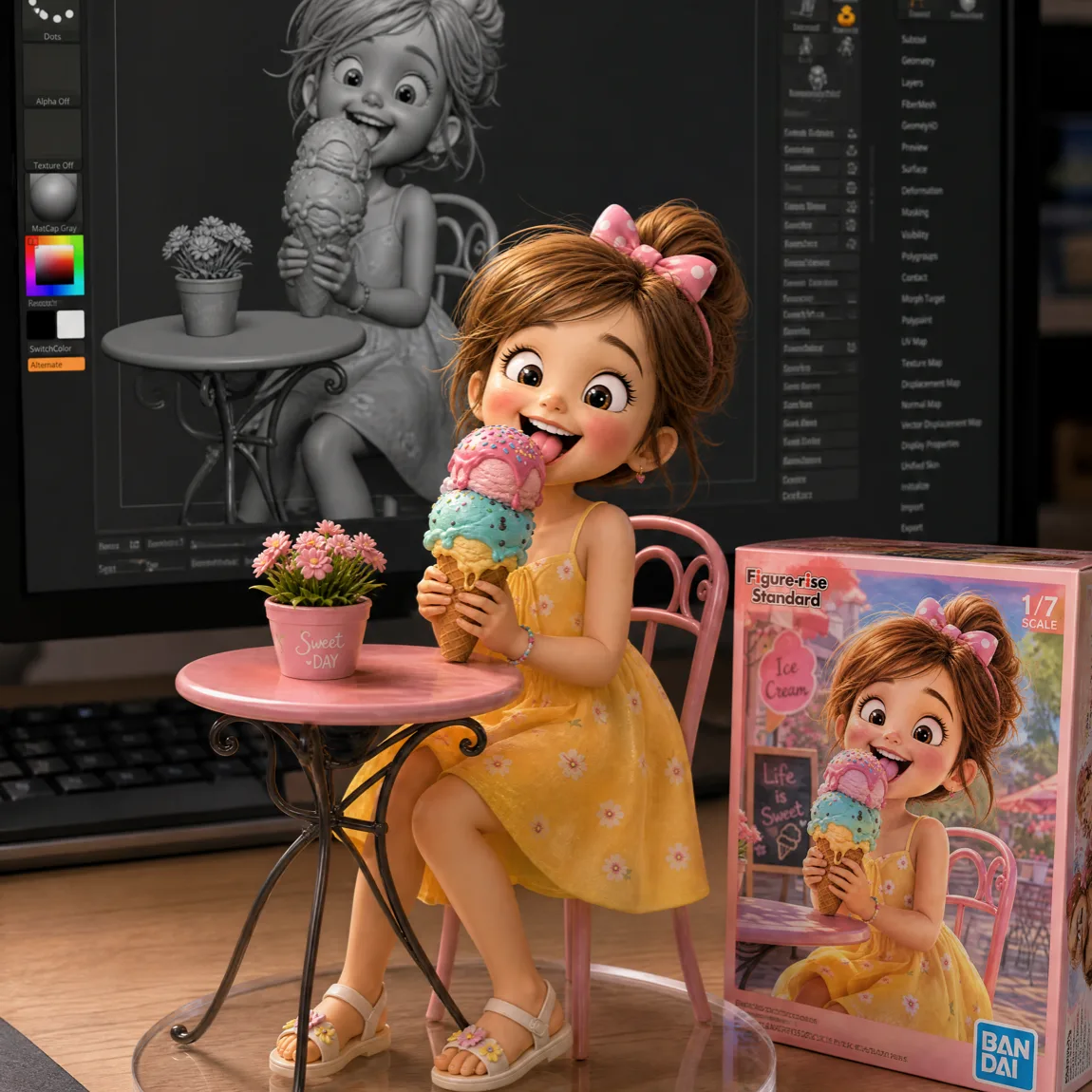

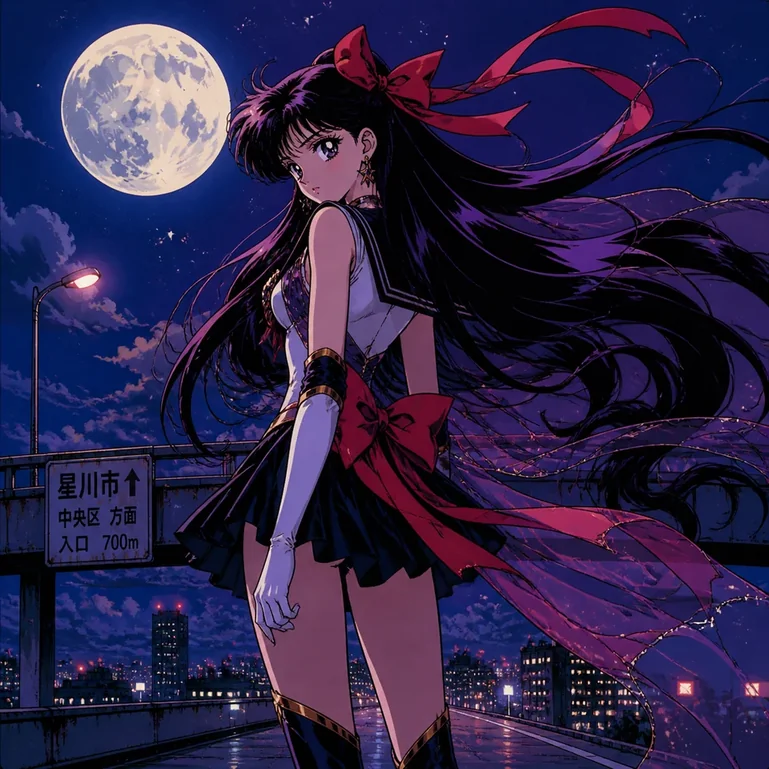
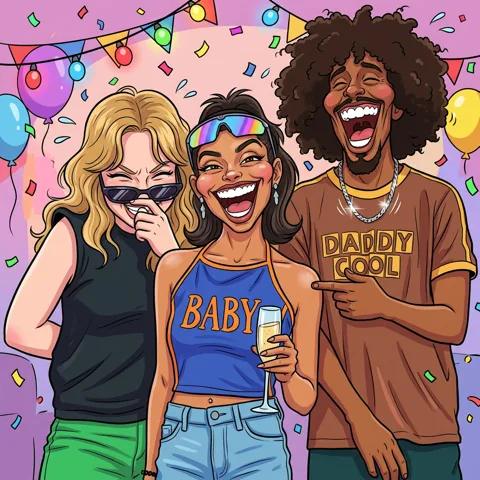
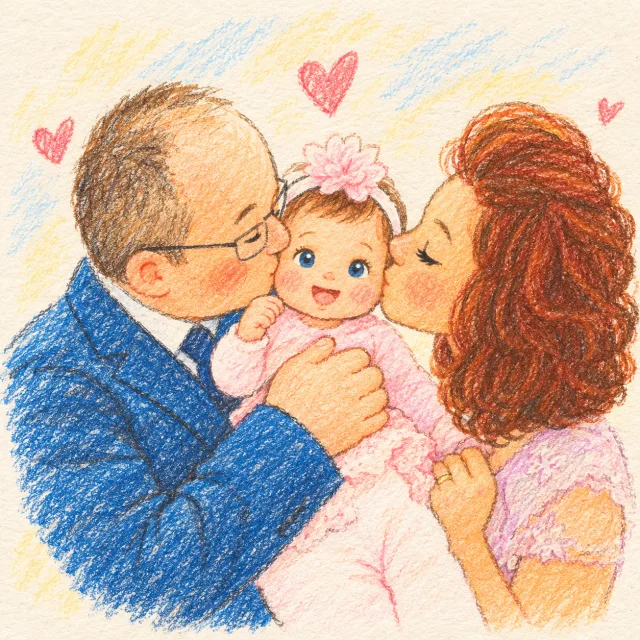
Create More Than a Single Cartoon
See how creators and brands use our AI cartoon generator to turn photos, ideas, and characters into finished visual assets across formats.
Story Idea
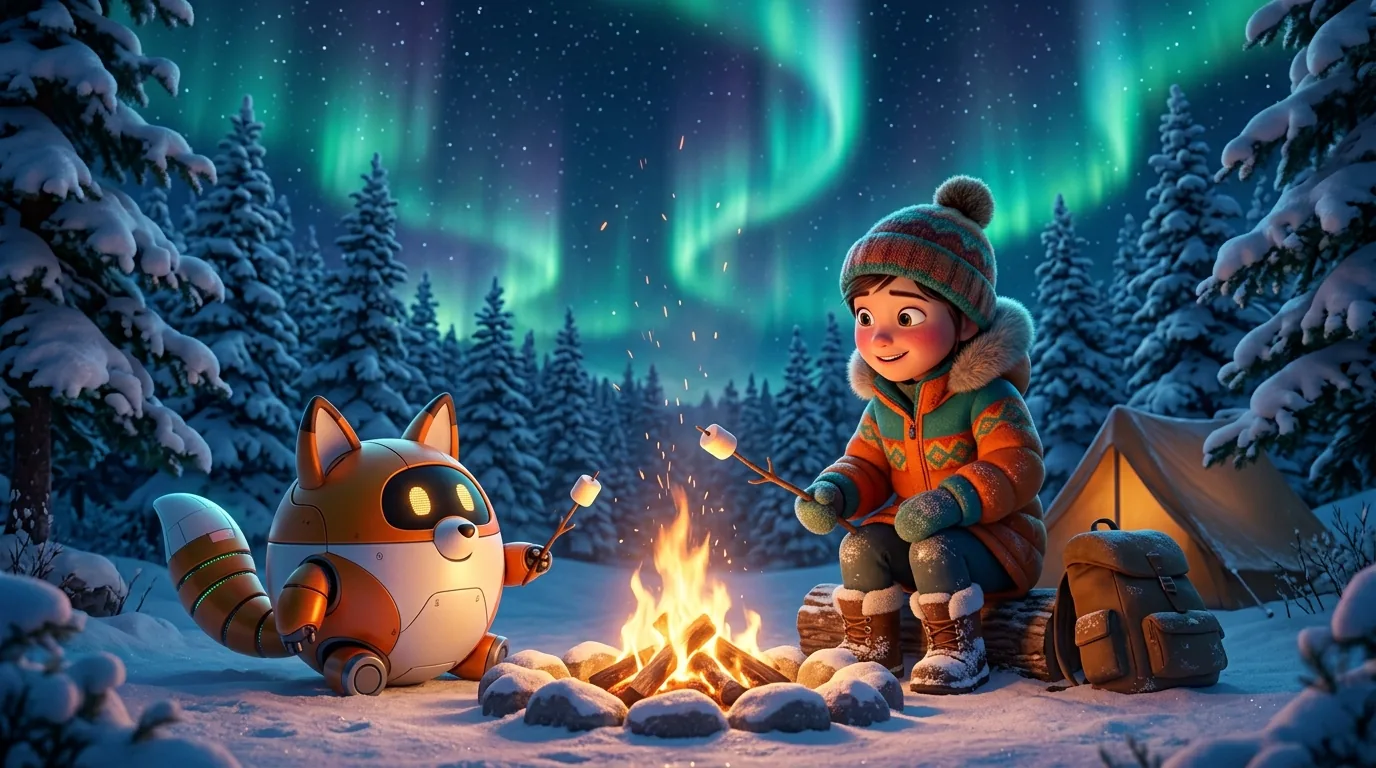
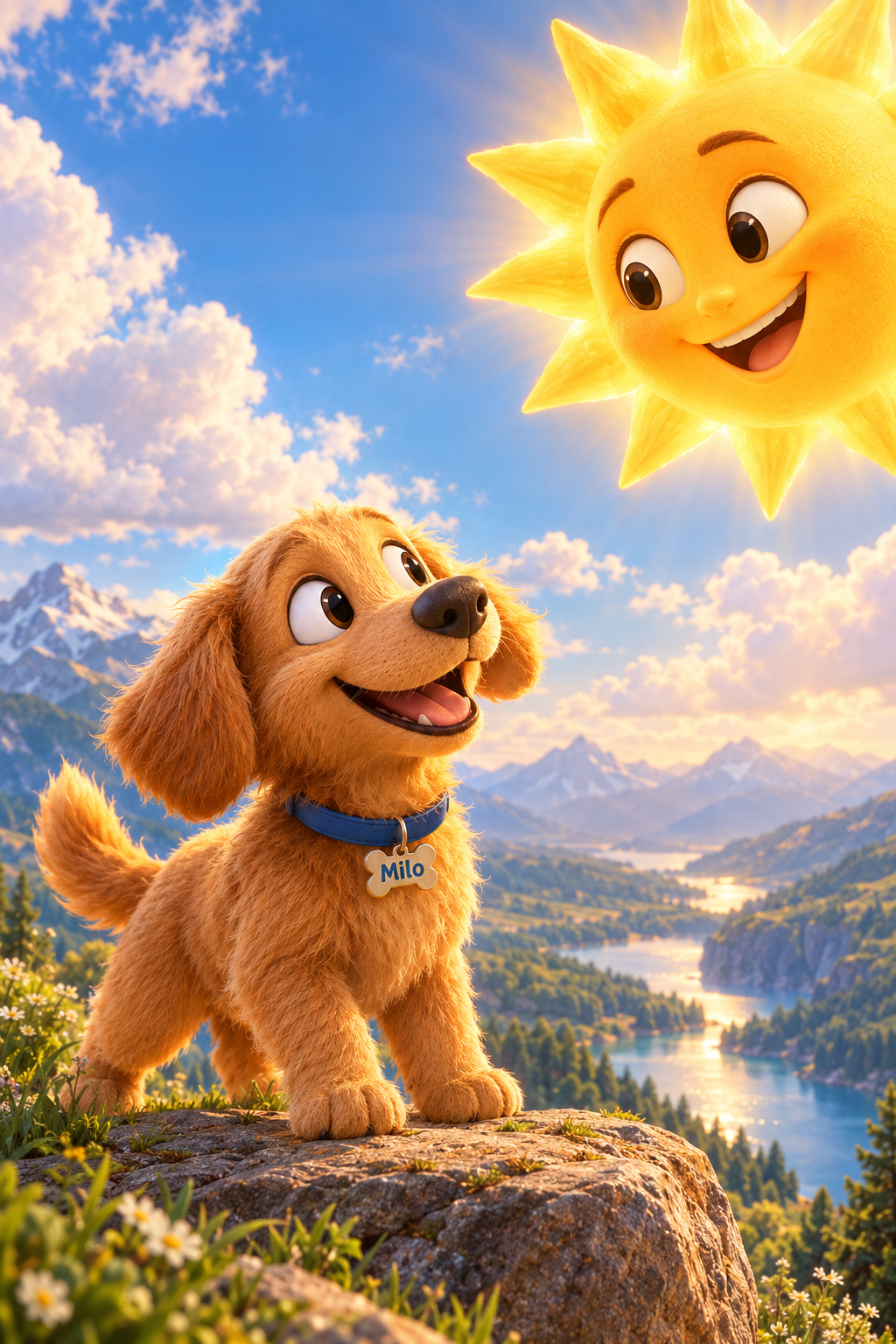
On Halloween night, Juniper and Milo repair the old clocktower lantern and relight the festival parade.
Multi-Scene Cartoon Animations
Turn an idea, character, or story into a complete cartoon animation with structured scenes, camera motion, cinematic voiceover, and custom subtitles.
Prompt
A tiny corgi astronaut botanist in a moon greenhouse, cream space suit with teal patches, watering a glowing purple sprout
Creator & Campaign Artwork
Generate eye-catching YouTube thumbnails, channel graphics, and campaign illustrations from prompts with our AI cartoon generator.
Reusable Character Cast
Design a lead or supporting character, save the approved identity, and bring it into later scenes and formats.
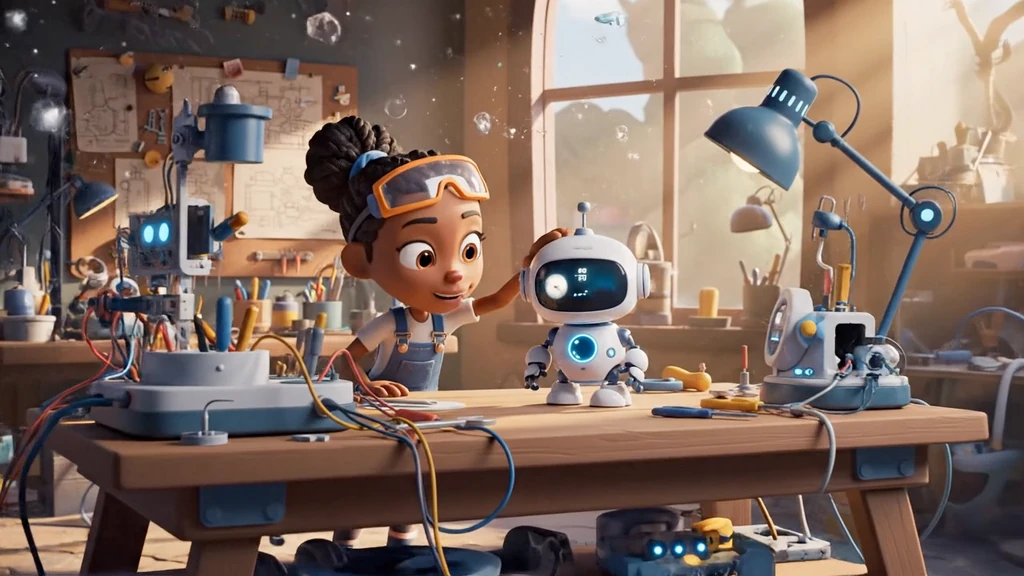
Animated Cartoon Shorts
Start from a finished cartoon image, then direct a clear action and camera movement for a short animated scene.
Illustrated Storybooks
Develop a story idea into recurring characters, planned scenes, illustrated pages, and a book you can review and share.
Consistent Character Variations
Compare one saved character across controlled pose, expression, and background changes before choosing the strongest references.
How It Works: Turn Any Vision into Stills, Motion, and Stories
Whether you need a single cartoon portrait, a dynamic video clip, a multi-scene animated cartoon, or a published storybook, our all-in-one studio takes you from raw idea to finished media in three simple steps.
01
Pick your format & starting point
Choose between cartoon photos, single-shot videos, multi-scene animations, or illustrated storybooks. Start with a photo upload, a text prompt, a story script, or an existing character.
02
Direct the style & scene details
Select from 50+ signature aesthetics like Pixar 3D, Ghibli, and comic anime. Fine-tune camera motion, lighting, character expressions, voice acting, and subtitles tailored to your creation.
03
Export instantly & expand across media
Download watermark-free high-resolution media immediately. Turn any still image into a moving shot, or cast saved characters into full animations and storybooks whenever inspiration strikes.
Explore Featured Cartoon Styles
Open a dedicated style page to see its look, examples, and connected creation options before you start generating.
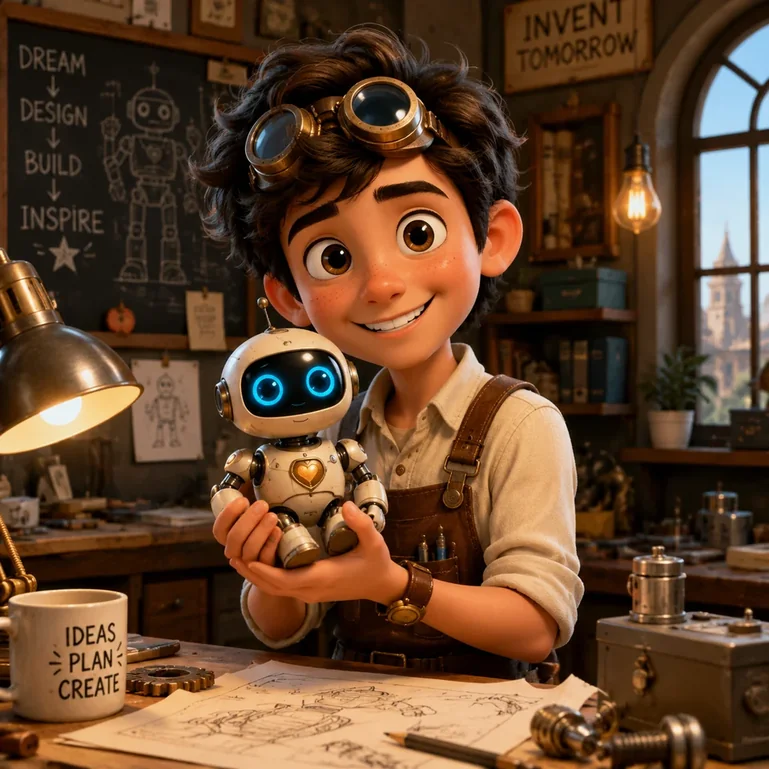
Pixar 3D
Soft 3D cartoon style with smooth lighting and expressive characters.
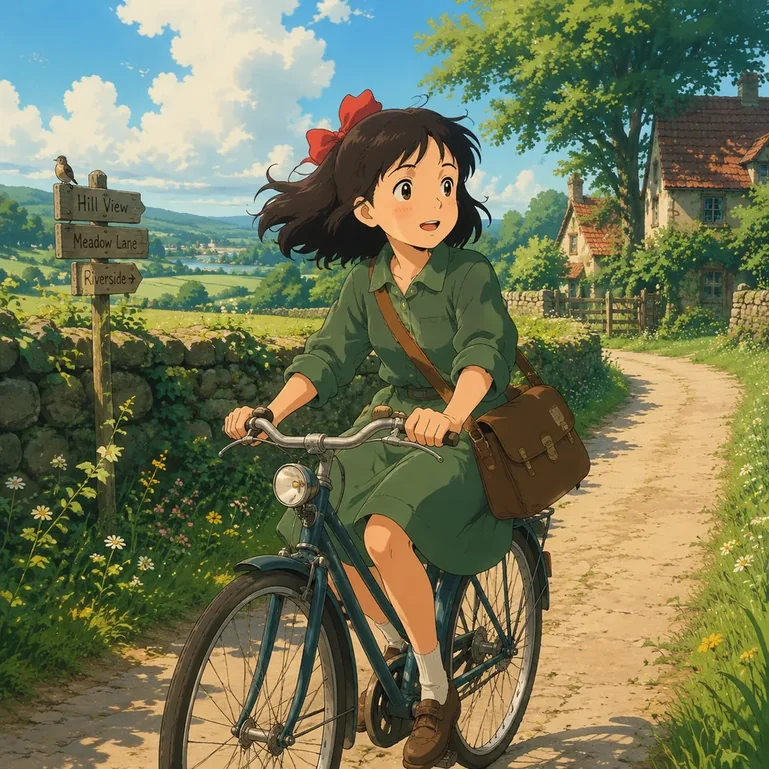
Ghibli
Dreamy hand-painted cartoon style with soft colors and magical atmosphere.
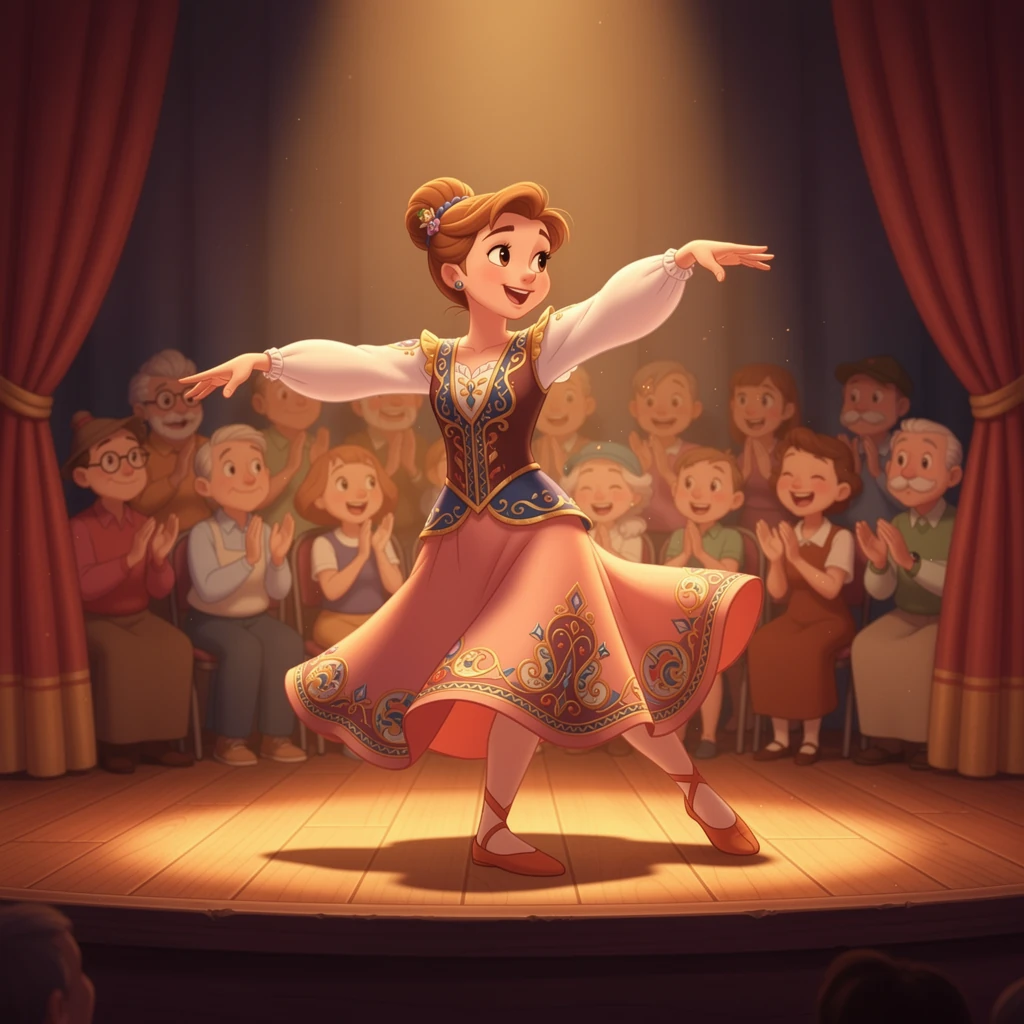
Disney
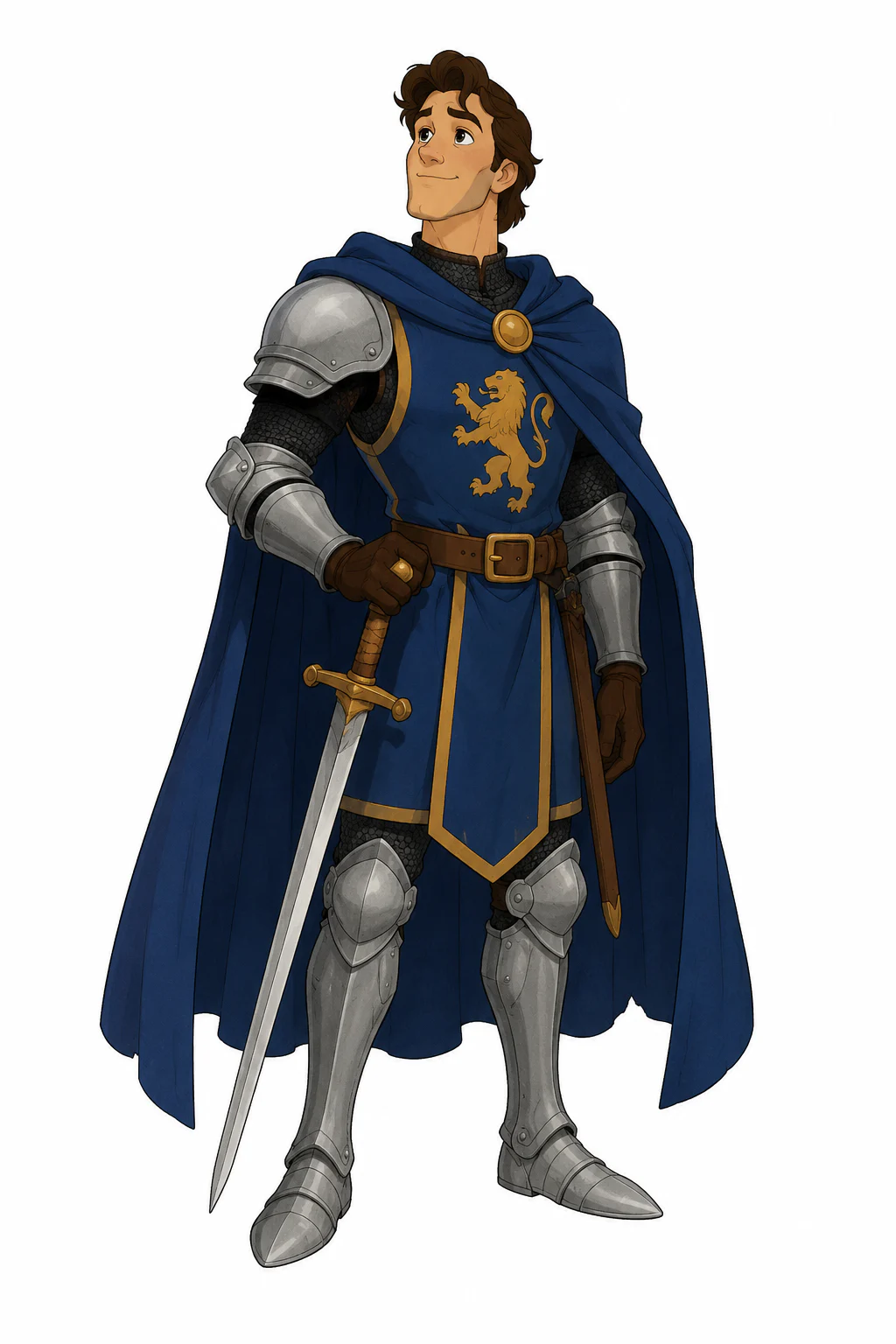
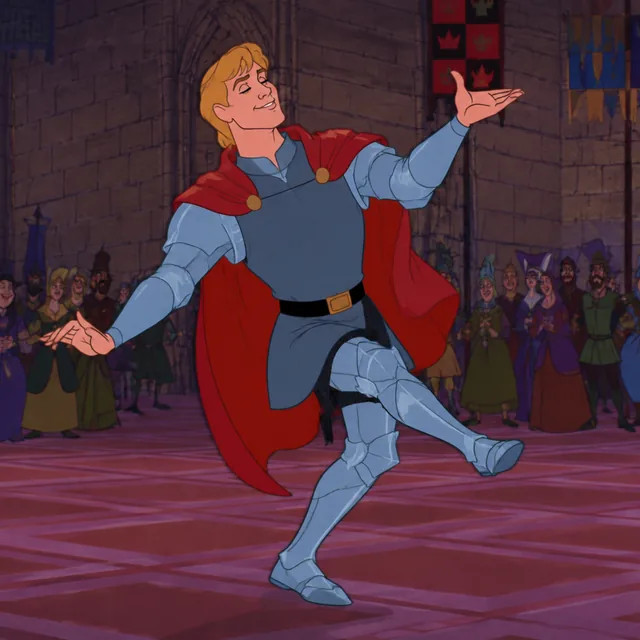
Classic 2D hand-drawn animation with graceful movement, expressive characters, and storybook warmth.
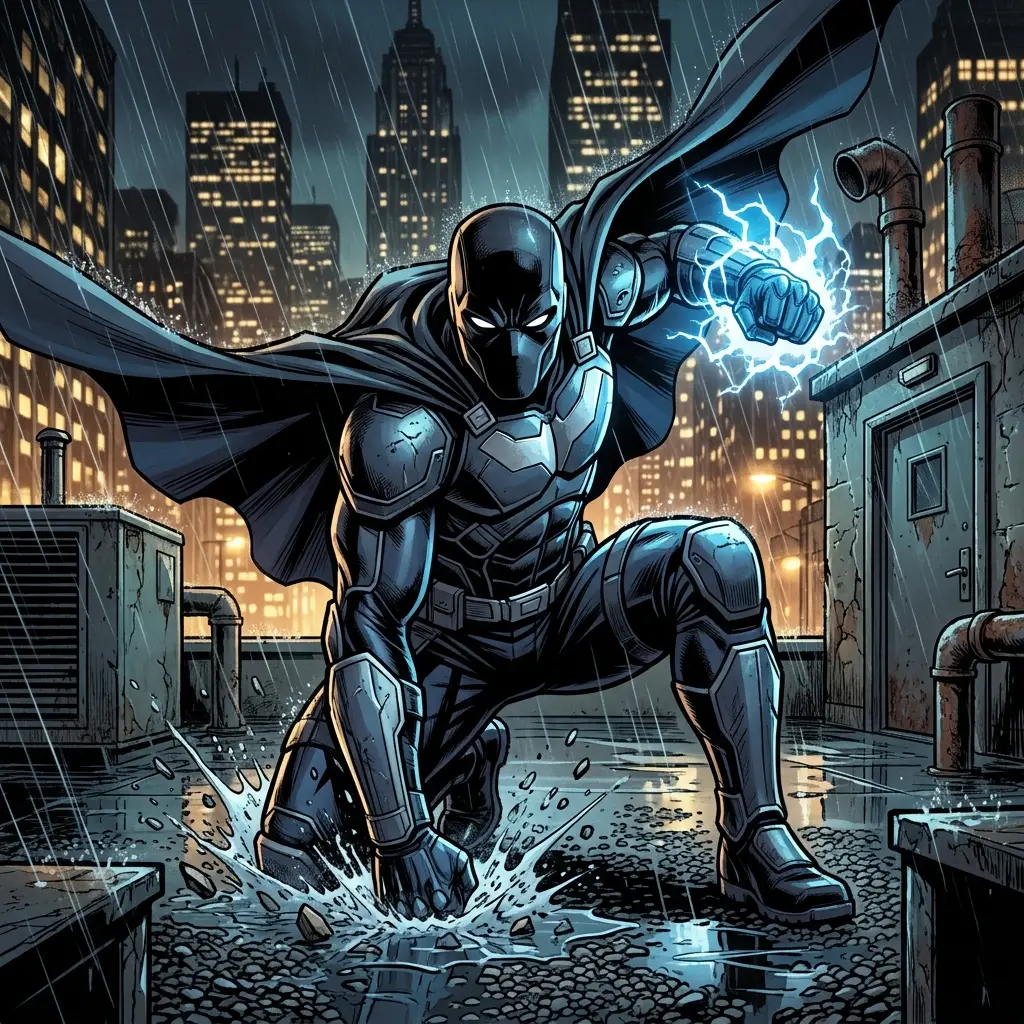
Marvel
Polished Marvel comic art with bold ink lines, dramatic lighting, and cinematic action.
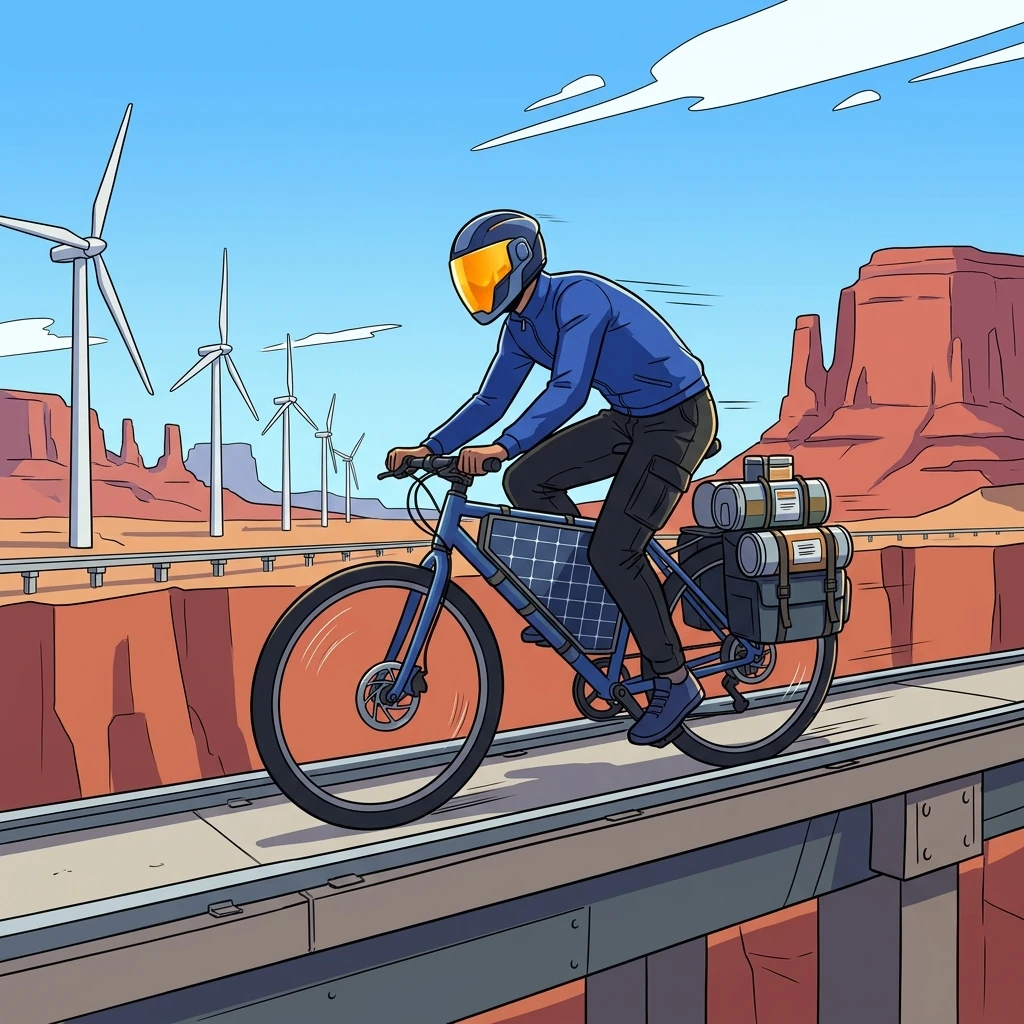
Cel Shaded
Graphic cel-shaded art with crisp outlines, flat color planes, and bold hard-edged shadows.
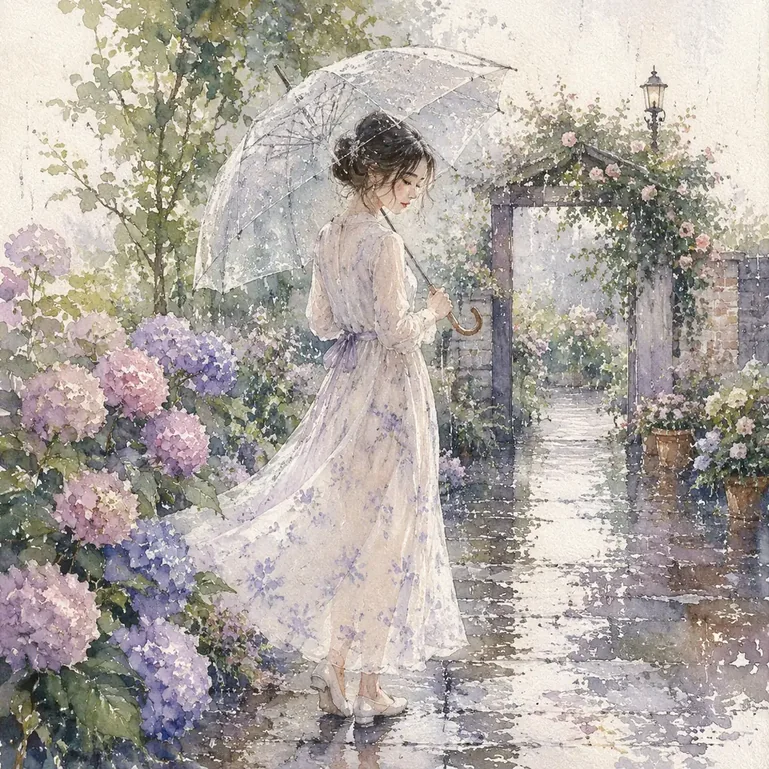
Watercolor
Soft watercolor style with artistic textures and gentle tones.
Why Choose Our AI Cartoon Generator Studio
Our all-in-one AI cartoon generator combines character consistency, rich visual styles, and seamless transitions between still art, animation, and storybooks.
Control the Starting Point
Our AI cartoon generator gives you full control—start from a photo, text prompt, image reference, or saved character to preserve likeness and style.
Keep Characters Reusable
Save an approved character identity, create controlled pose, expression, and background variations, and reference it in later work.
Explore a Shared Style Library
Compare anime, comics, illustration, handcrafted, 3D, block-built, and pixel styles across the studio.
Continue Without Starting Over
Keep useful results in My Creations, reuse characters and references, animate selected images, and carry projects into storybooks.
AI Cartoon Generator FAQ
Answers about the five creation types, character continuity, animation studio, generation time, and credits.
You can create standalone cartoon images, multi-scene animations, short animated video clips, reusable character assets, and illustrated storybooks. Start with a photo, reference image, saved character, or written story idea depending on the format.

Start Creating with AI Cartoon Generator
Turn photos, characters, and ideas into vibrant cartoon art in seconds. Try our free online AI cartoon generator and start creating images, videos, and stories today.